 PhotoWipe
Delete All Google Photos in One Click
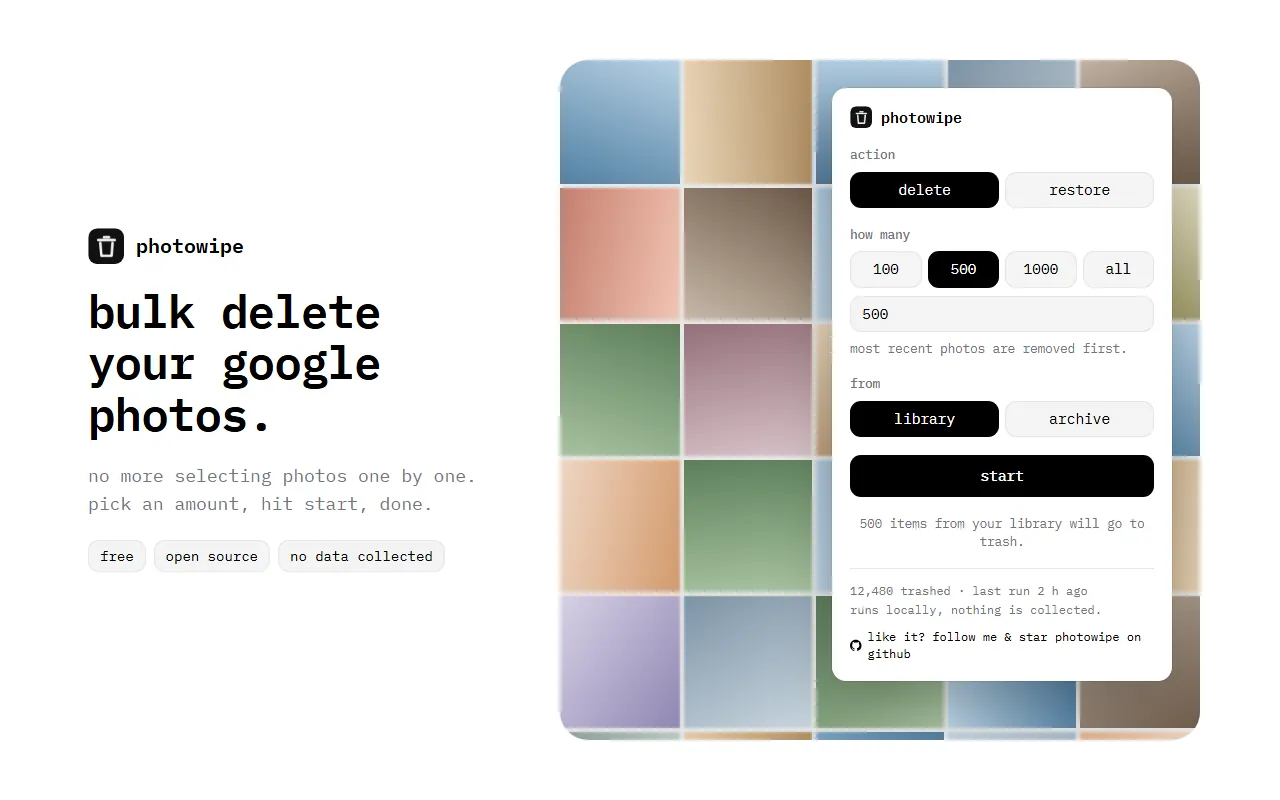
Google Photos has no “select all” button, so clearing a big library means thousands of clicks. PhotoWipe is a free Chrome extension that does the clicking for you: it moves your photos to the trash in batches, or brings them back.
- Free
- Open source
- No data collected
- Delete & restore
How it works
PhotoWipe does what you’d do by hand on photos.google.com, select, trash and confirm, just thousands of times faster and without you.
-
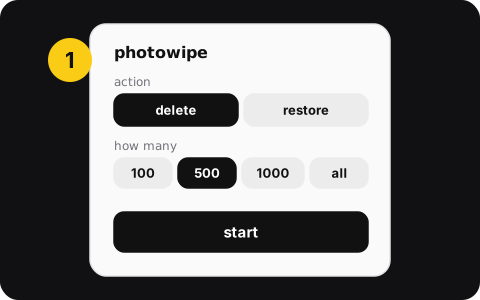
1. Pick an amount
Choose delete or restore, then 100, 500, 1,000, all, or any number. Choose your library or your archive.
-

2. Watch it work
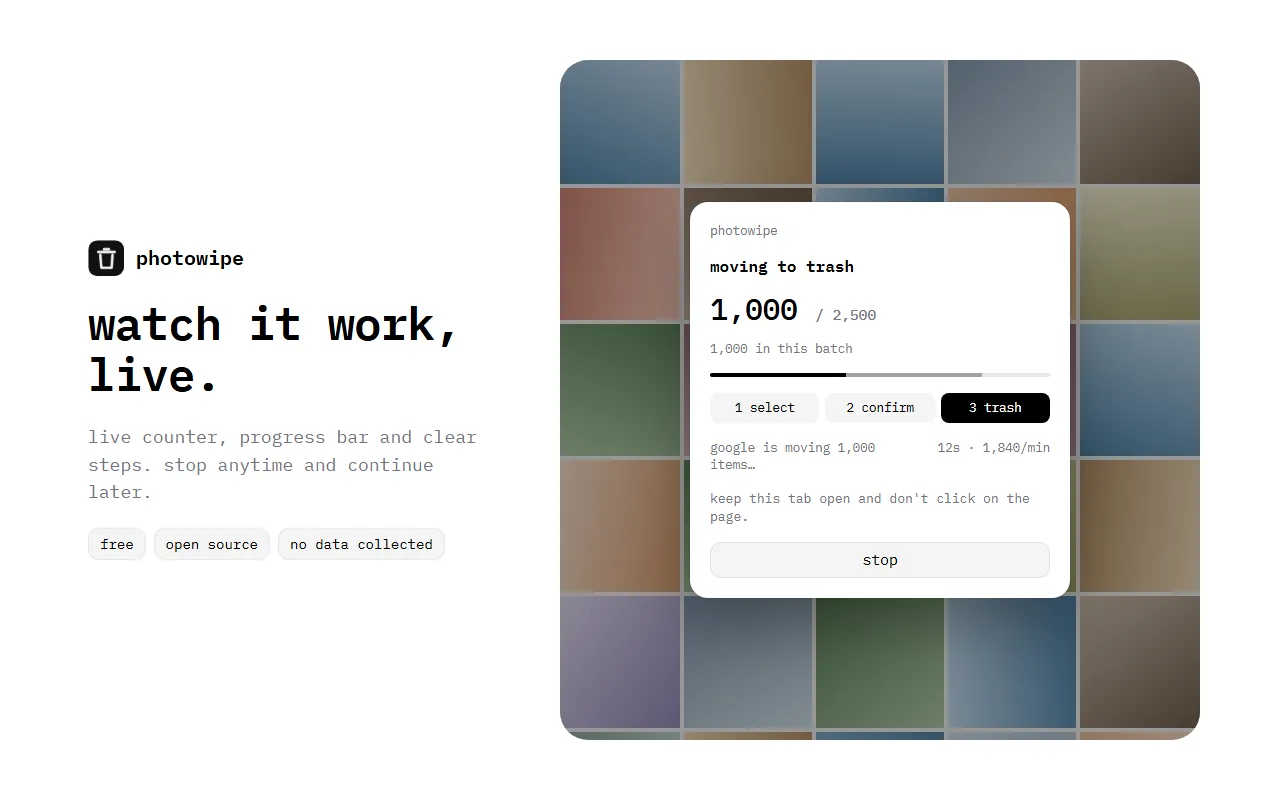
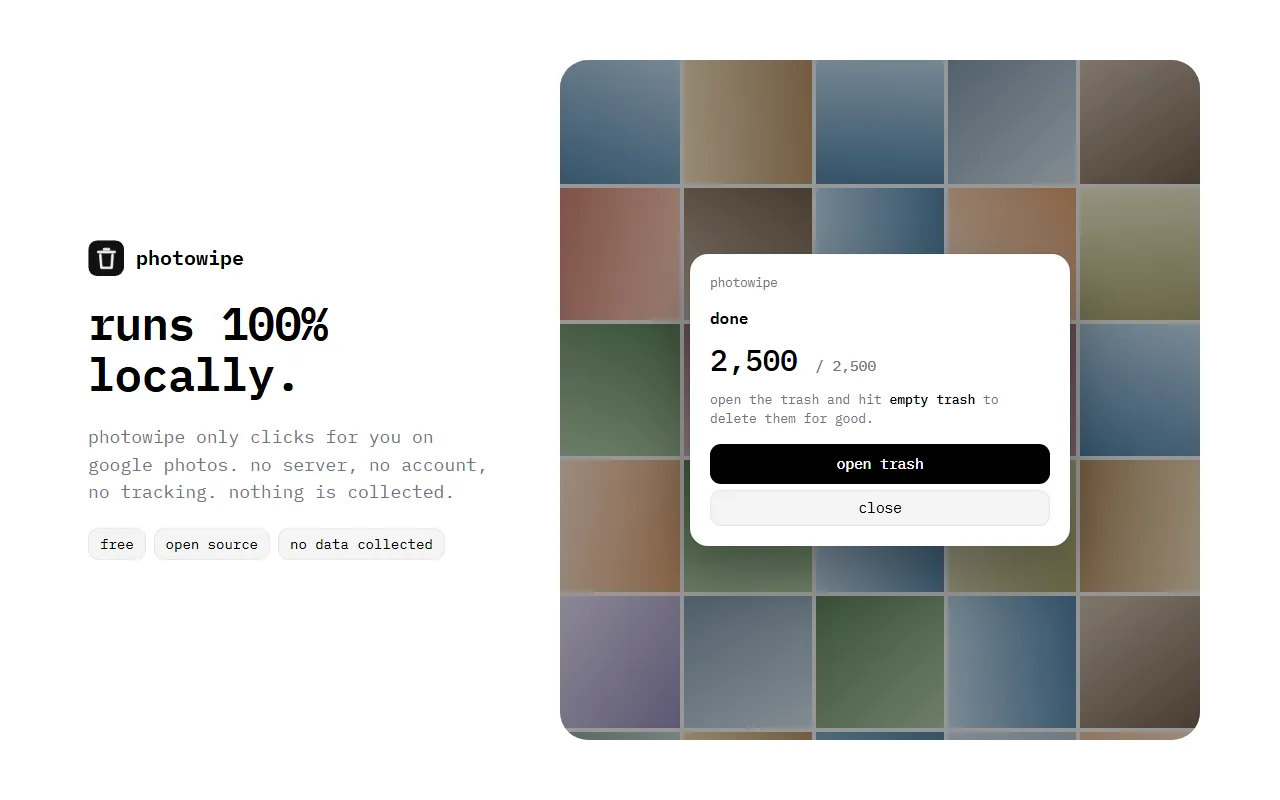
PhotoWipe opens Google Photos, checks the account with you, then selects and trashes in batches of up to 1,000 with a live counter.
-
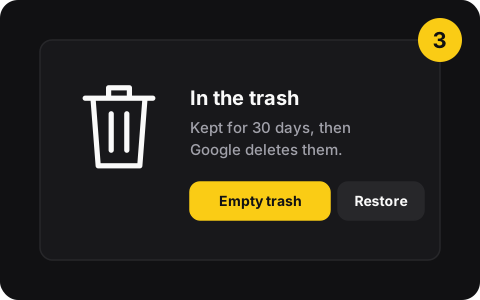
3. Empty the trash
Your photos wait 30 days in the Google Photos trash. Empty it to delete for good, or restore everything if you change your mind.
What PhotoWipe can do
- Bulk delete your libraryMove hundreds or thousands of photos and videos to the trash, most recent first.
- Clear the archiveArchived photos still use storage. Clean them separately without touching your library.
- Bulk restore from the trashChanged your mind? Restore “all” or a number, the same way.
- Any amount100, 500, 1,000, all, or type your own number.
- Account checkShows which Google account it’s about to clean before doing anything.
- Live progress, stop anytimeCounter, speed and steps on screen. Stop and pick up later.
Free. Really.
Everything included
$0
- No limit on the number of photos
- Delete and restore included
- No account, no subscription
The first time you run it, PhotoWipe asks if you’d like to follow the developer and star it on GitHub. It’s optional, and you can skip it.
Privacy: what it can and can’t see
- Runs 100% in your browser
- Only permission: storage (your settings and a local counter)
- Only runs on photos.google.com, when you start it
- Open source: read the code
- No server, no account, no analytics
- Doesn’t upload, download or analyze your photos
- Never empties your trash by itself
Good to know before you delete
Deleting syncs to your phone
Google removes deleted items from phones with Google Photos backup turned on. To keep them on your phone, turn off backup first. Here’s how.
You have 30 days to undo
PhotoWipe only moves photos to the trash. Google deletes them after 30 days, or right away when you click Empty trash. Until then, PhotoWipe’s restore mode brings them back.
Questions
Is PhotoWipe free?
Yes. There’s no paid plan, no limit and no account. The first time you run it, PhotoWipe asks if you’d like to follow the developer and star the project on GitHub. It’s optional, and you can continue without doing it.
Does PhotoWipe delete my photos permanently?
No. PhotoWipe moves photos to the Google Photos trash, exactly like the trash button does. According to Google, items stay in the trash for 30 days before being permanently deleted. To delete them sooner, open the trash and click Empty trash yourself. Here’s how to empty the Google Photos trash.
Will deleting from Google Photos also delete the photos on my phone?
It can. Google says deleted items are also removed from phones and tablets that have Google Photos installed with backup turned on. To keep your phone’s copies, turn off backup on every device first. Full steps in delete Google Photos but keep them on your phone.
Is PhotoWipe safe? What data does it collect?
PhotoWipe collects nothing. It only asks for Chrome’s storage permission (to remember your last settings and a local count of items it moved), and its script only runs on photos.google.com when you start it from the extension. There’s no server and no account, and the code is open source on GitHub.
Does it work on a phone, Firefox or Safari?
No. PhotoWipe is a Chrome extension for computers (Windows, macOS, Linux, ChromeOS). Chromium browsers that install from the Chrome Web Store, like Edge or Brave, usually work too, but we test on Chrome. On a phone, use the manual method in how to select all photos in Google Photos.
Popular guides
- Manual vs extensionHow to Delete All Google Photos at Once: Manual vs One-ClickGoogle Photos has no “delete all” button. Here’s how to clear your whole library by hand with Shift-click, and how to do it in one click with a free extension.
- FixGoogle Photos Storage Full? 5 Fixes That Actually Free Up SpaceGoogle storage full? Your 15 GB is shared by Photos, Gmail and Drive. 5 fixes that free up space for real, starting with the ones that recover the most.
- How-toHow to Delete Google Photos but Keep Them on Your PhoneRemove photos from Google Photos without losing them on your phone: turn off backup first, then delete on the web. Safe steps for Android and iPhone.
- Free toolDeletion time calculatorHow long would it take to delete your library by hand vs with PhotoWipe?