 TrustGeo
A GeoGuessr Companion to Review and Learn
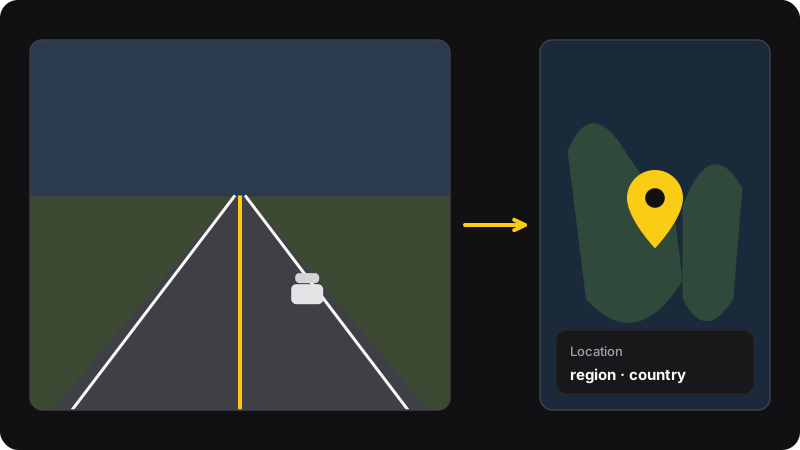
The fastest way to improve at GeoGuessr is to review your rounds. TrustGeo shows where the current round really is, with an interactive map and the place name, in Chrome’s side panel. Guess first, then check what you missed.
- GeoGuessr & OpenGuessr
- Map + place name
- Free tier
- Side panel
How to practice with it
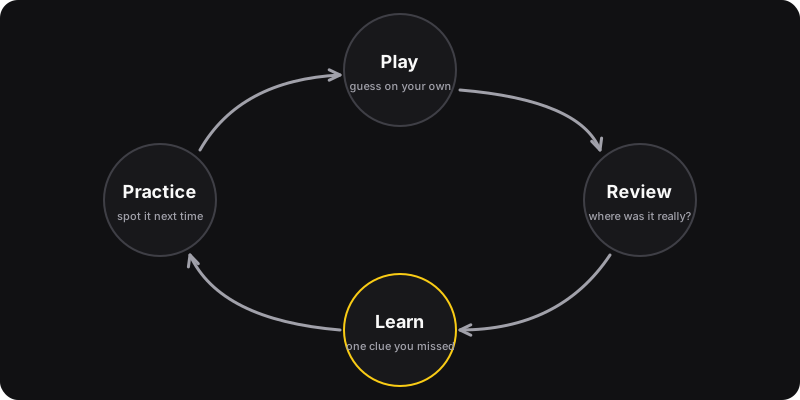
TrustGeo is useful for learning only if you guess on your own first. Here’s the loop we recommend, in single-player.
-
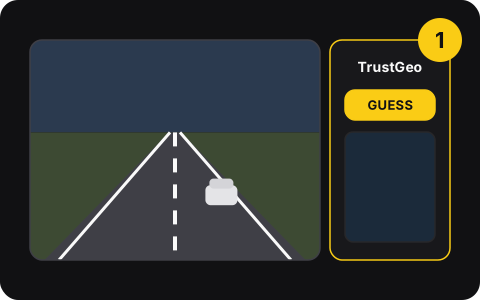
1. Open the side panel
Start a single-player game on GeoGuessr or OpenGuessr and open TrustGeo next to it.
-
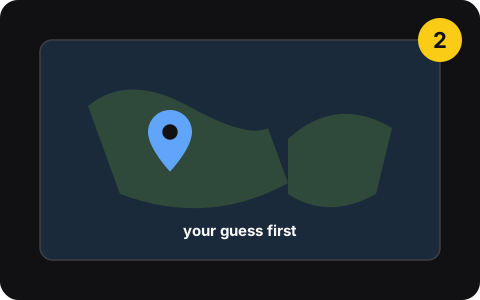
2. Make your own guess
Read the scene: driving side, signs, lines, vegetation. Decide where you think it is.
-
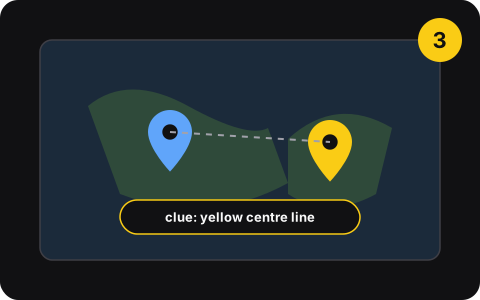
3. Check and learn
Click GUESS in the panel to see the real place and region, and find the clue you missed.
What TrustGeo shows
- Location of the roundCoordinates of the current round.
- Interactive mapSee the place on a map without leaving the game.
- Place nameReverse geocoding turns coordinates into region and country.
- GeoGuessr & OpenGuessrWorks on both.
- Native side panelLives in Chrome’s side panel, next to the game.
- Email sign-inOne-time code, no password.
Pricing
Free
$0
- Limited guesses per week
- Coordinates, map, place name
Pro
$5 /month
- Unlimited guesses
- Cheaper billed yearly
Pro also includes automation features (Auto Find, AutoPlace, Bot Mode, Score Range). They’re not learning tools; don’t use them against other players.
Privacy
- Account = email + one-time code
- Its scripts only run on GeoGuessr, OpenGuessr and Google Maps pages
- Payments handled by Stripe
- No password
- No ads, no data sold
Fair play
Never in competitive play
Using TrustGeo in ranked games, duels, battle royale or against other people is unfair, breaks GeoGuessr’s rules and can get your account banned.
Guess first, then check
TrustGeo only teaches you something if you commit to your own guess before looking. Our practice method shows how.
Questions
What does TrustGeo do?
TrustGeo is a Chrome extension with a side panel for GeoGuessr and OpenGuessr. It shows the location of the current round: coordinates, an interactive map and the place name (region and country). We recommend using it to review rounds in single-player practice.
Is it allowed to use TrustGeo in GeoGuessr?
Using any tool that reveals locations in ranked games, duels, battle royale or any match against other people gives you an unfair advantage, breaks GeoGuessr’s rules and can get your account banned. Use it only for single-player practice and review, and always guess on your own first.
Is TrustGeo free?
There’s a free tier with a limited number of guesses per week. Pro costs $5/month (less when billed yearly) and removes the limit.
Will TrustGeo make me better at GeoGuessr?
Only if you guess first. The learning comes from comparing your guess with the real place and finding the clue you missed. Here’s a practice method.
Is TrustGeo made by GeoGuessr?
No. TrustGeo is an independent extension and isn’t affiliated with, endorsed by or sponsored by GeoGuessr AB, OpenGuessr or Google.
Popular guides
- Manual vs extensionHow to Get Better at GeoGuessr: A Practice Method That WorksGet better at GeoGuessr with a simple loop: guess on your own, review where the round was, learn one clue, repeat. Manual review, and a faster way with TrustGeo.
- How-toGeoGuessr Tips for Beginners: 12 Things to Check Every RoundNew to GeoGuessr? 12 beginner tips in the order to use them: driving side, script, road lines, sun, vegetation, and how to place your pin smartly when unsure.
- How-toGeoGuessr Country Clues to Learn First: Lines, Signs, PlatesThe GeoGuessr clues that rule out the most countries fast: driving side, road line colors, stop signs, license plates, scripts and domains, and how to learn them.
- Free toolDriving side quizLeft or right? Drill the fastest GeoGuessr clue with 50 countries, plus the full list.