 TrustStudy
Quiz Yourself, Then Reveal the AI-Explained Answer
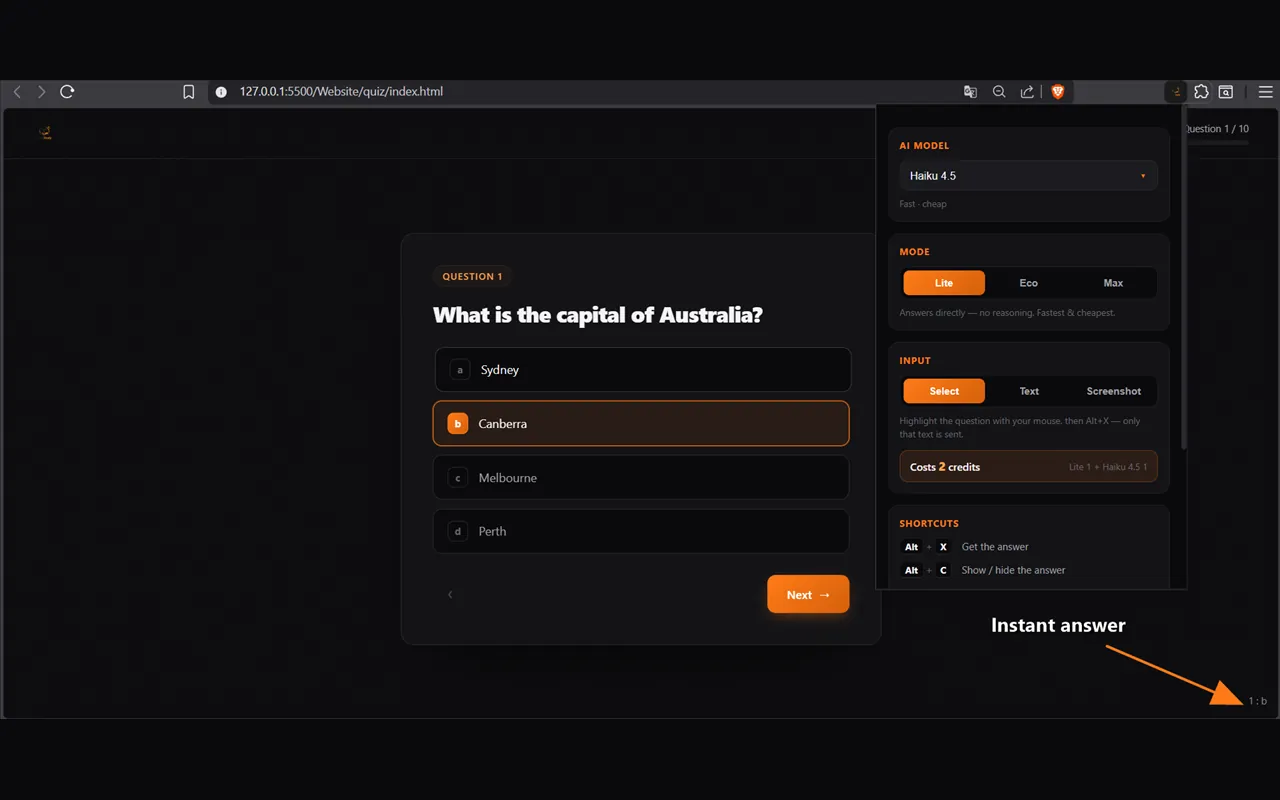
Don’t study something you’ll forget tomorrow. TrustStudy sits on the page you’re practicing on: think it through, commit to an answer, then press Alt+X to reveal the AI’s answer, with the reasoning when you want it.
- Alt+X
- GPT · Claude · Gemini · DeepSeek
- Select · Text · Screenshot
- 3 free credits
How it works
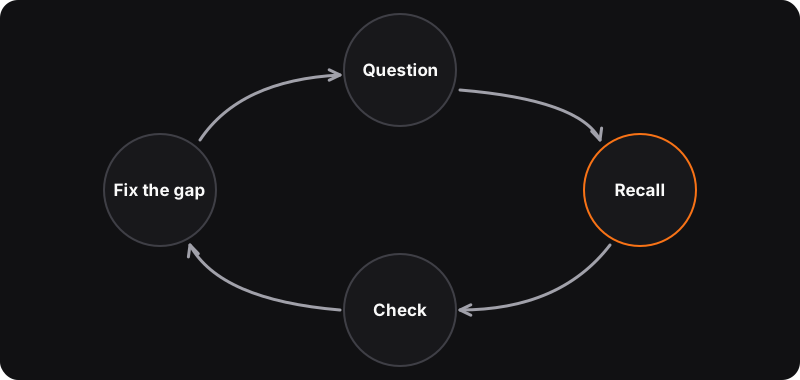
Study, think, reveal. The order matters: the learning happens when you try first.
-
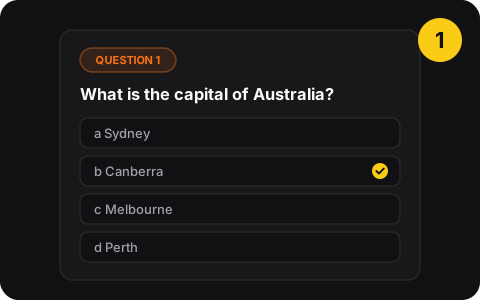
1. Open your practice quiz
Any page: a practice test, a PDF, slides, a question set. Nothing to set up.
-
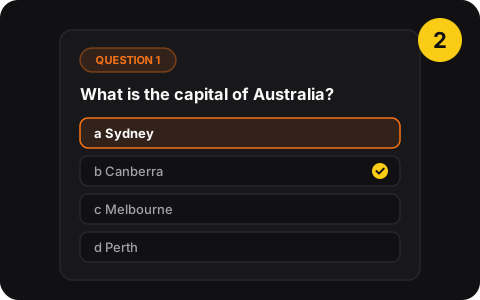
2. Think it through
Pick your own answer first. Committing is what makes it stick.
-
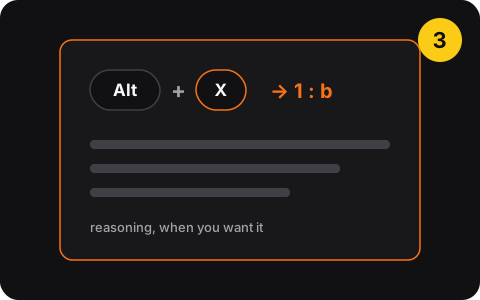
3. Press Alt+X
The answer shows in the corner, like 1 : b, with the reasoning in Eco and Max modes.
What TrustStudy does
- One shortcutAlt+X reveals the answer, Alt+C shows or hides it. Both can be changed.
- Four ways to readSelect the question, read the page text, take a screenshot, or double-click.
- Choose your modelGPT, Claude, Gemini or DeepSeek.
- Lite, Eco, MaxFast direct answers, or reasoning when you want to understand.
- Works anywherePractice tests, PDFs, slides, question sets.
- Discreet displayA small answer in the corner, out of your way while you think.
Pricing
Free
$0
- 3 trial credits
Basic
$5 /mo
- 300 credits / month
Plus
$10 /mo
- 1,000 credits / month
Pro
$20 /mo
- 2,000 credits / month
Every plan includes all AI models and input modes. Credits reset each month. An answer costs credits depending on mode and model.
Privacy
- Sign in with Google
- Only sends the question you choose, when you press the shortcut (or double-click, in double-click mode)
- Nothing is sent until you ask
- No ads
Use it to learn
Not for graded tests or exams
Using AI to answer graded work is academic dishonesty and can have serious consequences. TrustStudy is for practice quizzes and self-testing. Where the line is.
AI can be wrong
Read the reasoning, not just the letter. If it contradicts your course, trust the course and ask your teacher.
Questions
What does TrustStudy do?
TrustStudy is a Chrome extension for practice quizzes. On any page, PDF or question set, you answer a question yourself, then press Alt+X to reveal the AI’s answer (shown like “1 : b”), with the reasoning when you want it.
Can I use TrustStudy during a graded test or exam?
No. Using AI to answer graded tests or exams is academic dishonesty, and schools treat it seriously. TrustStudy is meant for practice quizzes and self-testing. See how to use AI to study honestly.
How much does it cost?
You get 3 free credits to try it. Then: Basic $5/month (300 credits), Plus $10/month (1,000 credits) or Pro $20/month (2,000 credits). Every plan includes all AI models and input modes, and credits reset each month.
What are Lite, Eco and Max?
Lite answers directly with no reasoning: fastest and cheapest. Eco and Max add reasoning, which is what you want when you’re trying to understand a question.
Are AI answers always right?
No. AI models make mistakes, especially on tricky or ambiguous questions. If an answer contradicts your course material, trust the course and ask your teacher. That’s also why we recommend reading the reasoning, not just the letter.
Popular guides
- How-toHow to Study With Practice Quizzes Using Active RecallPractice quizzes beat rereading for remembering. A step-by-step active recall method: where to find questions, how to answer them, and what to do with mistakes.
- Manual vs extensionHow to Get AI Explanations for Practice Quiz QuestionsStuck on a practice question with no explanation? Get an AI to explain the answer: the copy-paste method with ChatGPT, Claude or Gemini, and the faster Alt+X way.
- FixForgetting What You Study the Next Day? 6 FixesStudied for hours and forgot it by the next day? That’s the forgetting curve. Six fixes that work: active recall, spacing, interleaving, sleep and explaining it.
- Free toolSpaced repetition plannerEnter the day you studied (and your exam date): get the review dates that make it stick.